
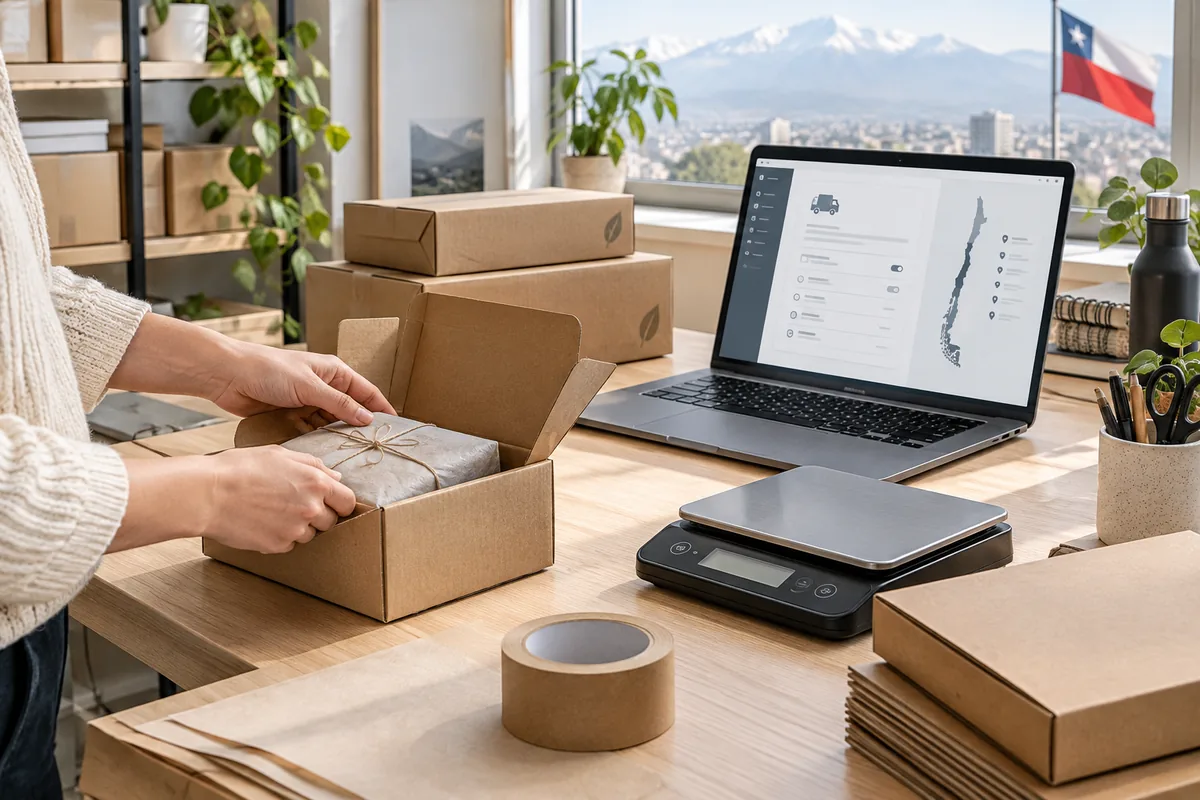
Shipping changes the total price, checkout options, and delivery expectations. Before configuring Jumpseller, turn your real fulfillment process into understandable rules and test how those rules appear at checkout.
1. Define how you prepare and ship orders
Write down where parcels ship from, which regions or communes you serve, the carriers you use, whether pickup is available, delivery times, and which products have different weights. Jumpseller lets you assign a shipping origin to a method; it can affect carrier rates and estimates. See its guide to locations and shipping origins.
| Operation | Model to consider | Information needed |
|---|---|---|
| Same rate in one area | Flat rate by zone | Communes, cost, and timing |
| Different regional rates | Zones or rate table | Destinations, ranges, exceptions |
| Carrier calculates the price | External method, if available | Enabled service and origin |
| Locally coordinated delivery | Pickup at a location | Address, hours, instructions |
2. Configure zones and rates
Jumpseller’s help center describes flat rates, tables by location or by weight and price, and external methods when an aggregator returns a rate at checkout. Options depend on your store setup and integrations, so confirm what is enabled.
Make each zone match places you actually serve and associate only valid methods with it. In a rate table, check destinations not listed explicitly: a default zero rate could show an unintended price. Jumpseller’s official shipping rates guide explains the options.
If you charge by weight, check product weights and real packaging. Keep the source and review date for regional rates. Decide how to handle packaging, remote destinations, or mixed carts; avoid promising prices a carrier may change.
3. Show cost and timing before payment
Customers should understand what they will pay and when an order is expected before completing checkout. Chile’s consumer agency, SERNAC, says online stores must disclose shipping costs and delivery time or a range. Read its guidance on e-commerce consumer rights.
Use business or calendar days consistently, state when the estimate begins, and explain what happens outside your coverage. For free pickup, provide the address, hours, and coordination steps. Do not present a third party’s estimate as your own guarantee.
4. Test checkout as a shopper
- Add a product and continue to shipping calculation.
- Test an address in your main zone and another in a different region.
- Try an unsupported location and confirm no incorrect rate appears.
- Combine products with different weights if your rules depend on them.
- Check the method name, cost, and timing before ordering.
Repeat on a phone and change the cart to confirm the cost updates. A rate saved in admin is not enough if checkout shows something else.
5. Keep a review reference
Maintain a table with zone, method, price, estimated timing, source, and review date. Test again when coverage, carrier, origin, product weights, or free-shipping rules change. Compare early orders with actual delivery costs.
Before launch, review your ecommerce platform choice, and our guide to preparing a store to sell and measure. Need help with your ecommerce setup? Let’s discuss the project.