
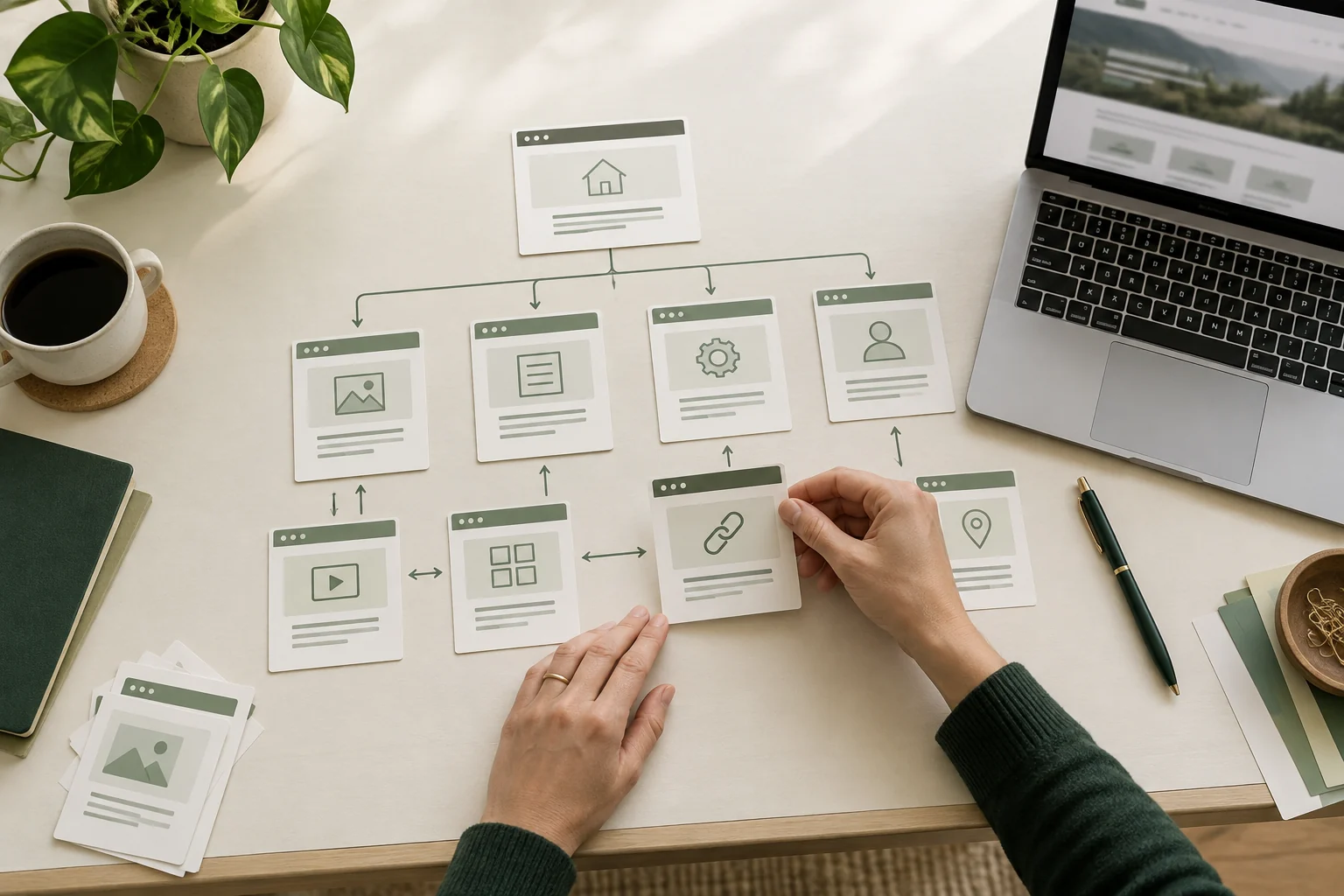
Internal links help people move through a website and help search engines discover its pages. A guide can explain a topic and link to a related service; a category can lead to its products; and a homepage can point visitors toward important sections.
The goal is not to add links everywhere. It is to connect pages that support one another and use link text that explains what visitors will find. Google recommends linking to important pages from at least one other page on the site and using clear, relevant anchor text. It does not set a universal ideal number of links per page.
1. Map the journey your visitor needs
Start with the decisions people need to make. For a service business, the path might go from a guide that answers a question to a service page and then to contact. For a store, it could lead from a category to a product page and shipping details.
List the pages that serve each purpose and the next step each one supports. This map can reveal pages that receive visits but offer no clear next step, as well as important pages with very few internal links.
2. Prioritize the pages that support the business
Make a short list of pages that should be easy to find: core services, relevant categories, strategic products and useful guides before a purchase or inquiry. Use Search Console to review pages and impressions, and consider real customer questions, sales, forms and WhatsApp conversations too.
Priority is not based only on traffic. A new service page can matter even if it has not received Google clicks yet. A popular article may help visitors understand a need, but it should not link to an offer unrelated to their question.
3. Write links that describe their destination
Prefer specific text such as “read the guide to choosing an ecommerce platform” over generic phrases such as “click here.” The anchor should describe the destination in a few words and fit naturally into the sentence.
Avoid repeating the exact same keyword phrase in every link. If the destination is a web design service, a guide about planning a website can link to it when that next step is useful. Do not add a link solely to insert a keyword.
4. Connect guides, services and categories in context
At the end of a guide, link to one or two useful next steps: a more detailed explanation, a relevant service or a related product list. On the destination page, consider linking back to the guide if it helps people compare or decide.
For a store, check that important categories and products are reachable from navigation and relevant pages. For a professional website, connect experience, projects, services and contact. Breadcrumbs and the main navigation help, but they do not replace contextual links.
5. Make sure links are accessible and crawlable
Use HTML links with a real destination in `href`. If a control changes pages only through JavaScript and has no interpretable link, search engines may not discover it in the same way. Visible link text should also make sense to people using a screen reader.
Test links on phones and desktop. Make sure they open the right page and do not end in errors. If a URL has been retired, link directly to its replacement instead of sending visitors through several redirects.
6. Find isolated pages and fix them thoughtfully
Look for important pages with no incoming links, broken links and pages whose content no longer matches the current navigation. Also check whether a deeply nested page needs a more direct route from its category or a related guide.
There is no universal rule that every page must be two clicks away or that every article must link to a fixed number of destinations. Consider whether people can easily reach the information they need and whether each link adds context.
A short pre-publication check
- Important pages have at least one relevant internal path.
- Link text previews the destination without awkward keyword repetition.
- Guides link to related service or product pages where useful.
- Links work on mobile and do not lead to errors or unnecessary redirect chains.
- The map is updated when services, categories or URLs change.
Clear internal linking supports navigation and can help Google discover and understand pages; it does not guarantee rankings or traffic. Cisne Negro can help connect your website’s content, services and products into a clearer journey.
To decide which page should answer each search need, read our guide to building an SEO keyword map.